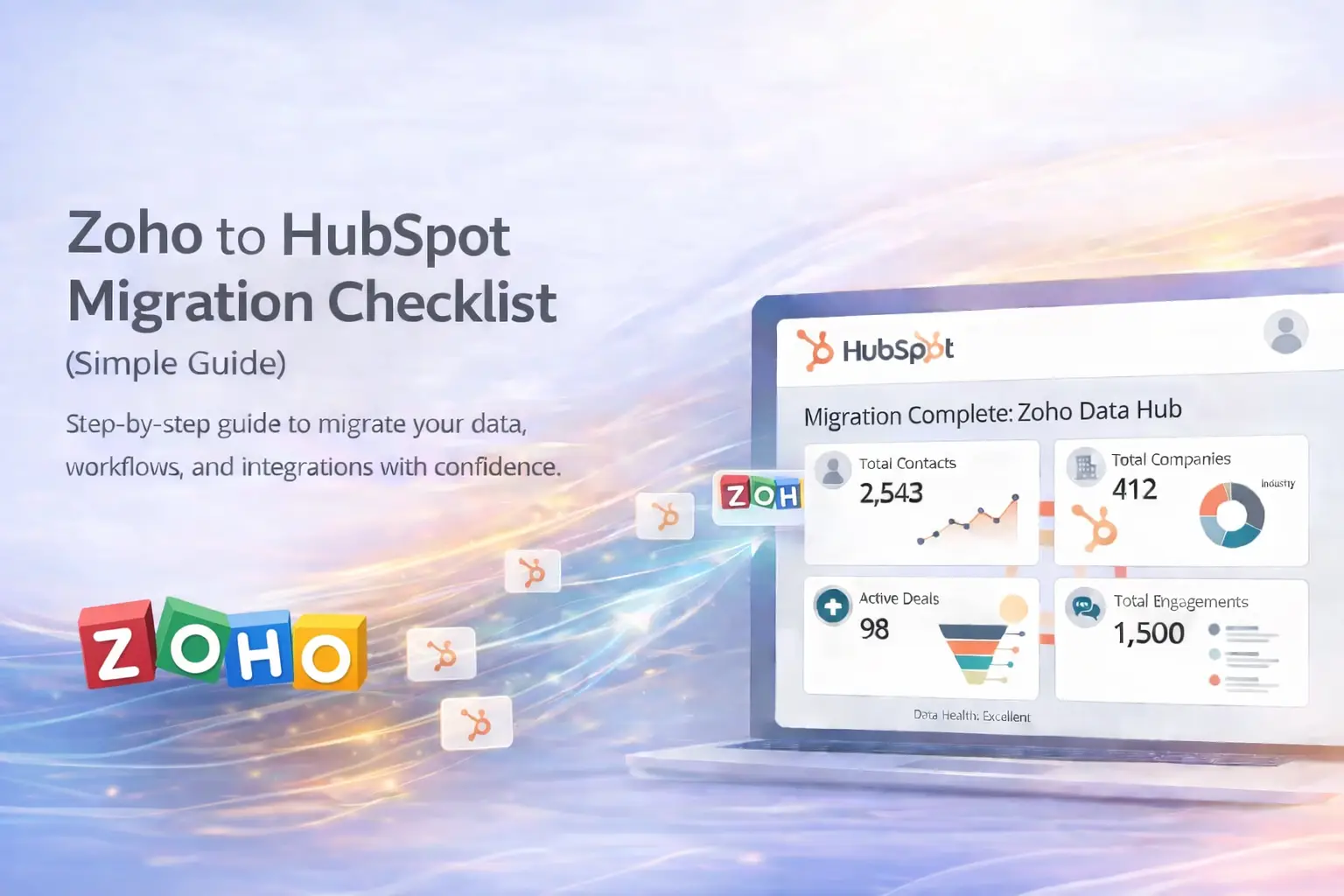
Zoho to HubSpot Migration Guide
(Step-by-Step for a Smooth Transition)
Migrating from Zoho CRM to HubSpot is a strategic move for businesses looking to simplify operations, improve reporting, and better align sales and marketing. While the process can feel complex at first, a structured approach makes the transition far smoother and far more effective.
This guide breaks down the Zoho to HubSpot migration process step by step, helping you avoid common issues, preserve important data, and build a cleaner HubSpot setup designed for long-term growth.
Why Businesses Move from Zoho to HubSpot
- ✅ Unified sales, marketing, and service tools in one platform
- ✅ Easier automation and workflow management
- ✅ Clearer dashboards, reporting, and forecasting
- ✅ Better user adoption with a more intuitive system
- ✅ A cleaner, more scalable structure for business growth
👉 HubSpot helps reduce complexity while giving teams stronger visibility, better automation, and a more connected system overall.
Step-by-Step: Zoho to HubSpot Migration Process
1. Define Your Migration Plan 🔍
Identify what needs to move into HubSpot, including leads, contacts, accounts, deals, notes, tasks, activities, and any custom fields or custom modules. Also decide what should be rebuilt instead of directly migrated, such as workflows, automations, or reports.
2. Audit and Clean Your Zoho Data 🧹
Before exporting anything, remove duplicate records, archive inactive deals, fix incomplete fields, and standardize naming conventions. Cleaning your data before migration creates a much stronger HubSpot foundation.
3. Map Zoho Data to HubSpot Structure 🧩
Plan how Zoho records will translate into HubSpot. For example, Zoho Leads typically become HubSpot Contacts, Zoho Accounts become Companies, and Zoho Potentials become Deals. Map custom fields carefully so reporting and automation remain useful after the move.
4. Export Data from Zoho 📤
Export each Zoho module as a CSV file, including leads, contacts, accounts, deals, activities, notes, and any custom modules. If possible, export field metadata as well to make mapping easier and more accurate.
5. Prepare HubSpot for Import ⚙️
Before importing data, create the custom properties you need in HubSpot, build your pipelines, align deal stages, and set up users and permissions. This helps ensure the system is ready before the data arrives.
6. Clean and Format Your CSV Files 🧾
Standardize your files before importing. Use consistent date formats, split names properly, clean up emails and phone numbers, and preserve record relationships using email addresses, company names, domains, or internal ID fields where needed.
7. Import Data into HubSpot 🚀
Use HubSpot’s native import tool for straightforward imports, or a migration service or API-based process for more complex environments. In most cases, the best order is contacts first, then companies, then deals, followed by notes and activities.
8. Validate Your Data 🧪
Spot-check records after the import. Make sure contacts are correctly linked to companies, deals have accurate amounts and stages, and notes, calls, and tasks are properly associated. Compare totals against Zoho where possible.
9. Rebuild Automation and Workflows 🔄
Recreate important processes in HubSpot, such as lead assignment, lifecycle stage progression, task creation, notifications, and follow-up workflows. This is a great opportunity to simplify what was previously overcomplicated in Zoho.
10. Train Your Team 👥
Train users on how to manage contacts, deals, pipelines, workflows, and reports inside HubSpot. Even the best migration falls short if the team is not confident using the new system.
11. Monitor and Optimize 📈
After launch, monitor CRM adoption, workflow performance, and reporting accuracy. Gather feedback from the team and refine your properties, reports, dashboards, and automation to improve long-term ROI.
Pro Tips for a Smoother Zoho to HubSpot Migration
- 💡 Add a “Source CRM: Zoho” property to imported records for traceability
- 💡 Keep Zoho in read-only mode for 30 to 60 days after migration
- 💡 Schedule the migration during off-hours or weekends when possible
- 💡 Use a sandbox or test import process before moving the full data set
🚀 A Smarter Way to Migrate: Use a HubSpot Partner
A Zoho to HubSpot migration is not just about moving records. It is about rebuilding your CRM in a cleaner, more scalable way so your team can work faster and make better decisions.
For many businesses, the easiest and least stressful option is working with a HubSpot Partner who already understands the mapping, implementation, automation, reporting, and optimization process from start to finish.
Why work with a HubSpot Partner? 🤝
- Proven migration frameworks with less trial and error
- Better field mapping and cleaner associations
- Stronger workflow rebuilding and post-launch optimization
- Faster implementation with fewer disruptions
- Long-term support after the migration is complete
Vonazon
If your goal is to make the move from Zoho to HubSpot easier, cleaner, and more strategic, Vonazon is a strong option. Their team helps businesses migrate data, rebuild automation, improve HubSpot structure, and launch with a system designed to scale instead of one that simply copies old problems into a new platform.
Final takeaway
A successful Zoho to HubSpot migration creates more than a new CRM. It gives your business a chance to clean up data, simplify workflows, improve visibility, and build a stronger growth engine. With the right process and the right support, the transition can be one of the smartest upgrades your team makes.