Before You Implement HubSpot’s Newest Features, See How They Fit Together.
Vonazon, HubSpot, and hapily are walking through one real-world workflow showing how data, AI, sales, campaigns, events, and follow-up connect — and which capabilities are actually worth implementing first.
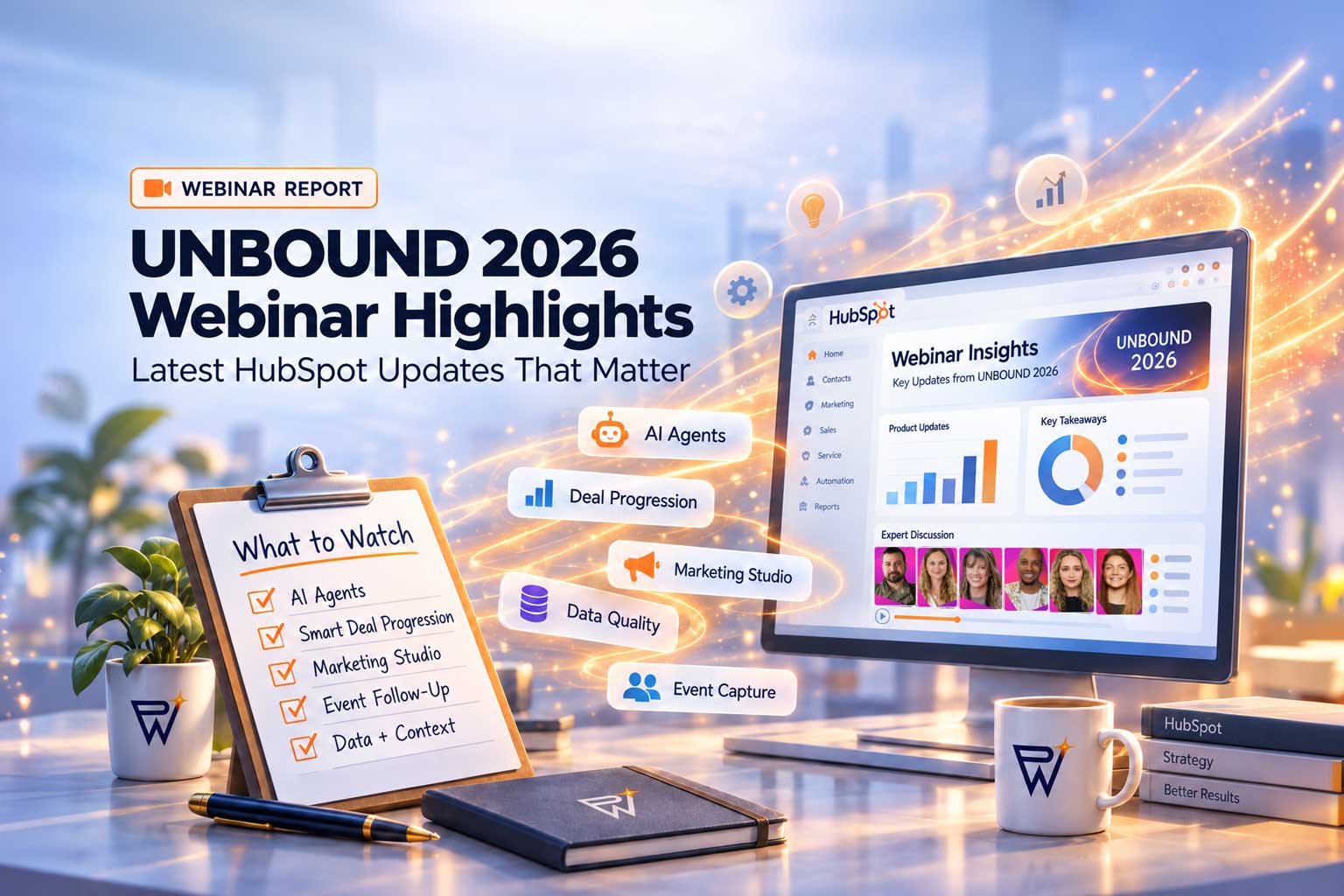
HubSpot UNBOUND 2026 introduced a major new wave of AI, automation, sales, marketing, and event capabilities.
The temptation is to start turning everything on.
That is usually the wrong approach.
HubSpot’s newest capabilities make the most sense when they are treated as a connected system — starting with clean data and business context, then moving through sales activity, AI agents, campaign execution, event engagement, and follow-up.
Instead of asking which feature looks the most impressive, it is more useful to ask what should be implemented first.
Here’s the order we would look at them.
🧩 1. Start With Data Quality and Business Context
Before adding more AI or automation, make sure the foundation is solid. HubSpot’s AI becomes much more useful when it has accurate CRM data and enough context about your business, customers, processes, and goals.
Review:
- Contact and company data
- Duplicate records
- Property consistency
- Lifecycle stages
- Pipeline stages
- Lead ownership
- Sales and marketing processes
- Customer, product, and business information
Before moving forward, ask:
- Is our CRM data accurate?
- Are important properties consistently populated?
- Are teams using HubSpot the same way?
- Does HubSpot have enough business context to produce useful AI output?
If the answer is no, this is where implementation should begin.
💼 2. Add Smarter Deal Progression
Smart Deal Progression can turn buyer conversations and activity into CRM updates, next steps, and follow-up actions with less manual work.
That can be extremely useful — but only if the sales process underneath it is already structured properly.
Before relying on it, review:
- Deal stages
- Stage-entry criteria
- Required deal properties
- Sales ownership
- Follow-up expectations
- Existing sales automation
If your team has unclear deal stages today, adding AI on top of them will not solve the underlying problem.
Fix the process first. Then automate it.
🤖 3. Build AI Agents Around Specific Jobs
Agent Hub creates a path for businesses to build custom AI agents around clearly defined jobs, knowledge, inputs, and actions.
An agent could help your team:
- Surface account insights
- Route leads
- Research prospects
- Summarize activity
- Update CRM records
- Prepare information for sales
- Trigger the next step in a workflow
Then define what information the agent needs, what actions it can take, and what result you expect from it.
📣 4. Add Marketing Studio After the Foundation Is Ready
Marketing Studio brings campaign strategy, assets, nurture, automation, collaboration, and launch into a more connected process.
But faster campaign execution only helps when the underlying segmentation and lifecycle structure are reliable.
Before expanding campaign automation, make sure you have:
- Reliable segmentation
- Clean contact data
- Clear lifecycle stages
- Defined campaign goals
- Lead routing
- Proper attribution
- Sales and marketing alignment
Technology can speed up execution. It cannot fix an unclear strategy.
🎟️ 5. Connect Event Activity Back to HubSpot
Events are often one of the biggest gaps in the customer journey.
Someone visits a booth, scans a badge, attends a session, or asks a question — but that context can disappear before sales ever sees it.
Event hapily helps bring event engagement and badge activity into HubSpot so follow-up can use real event signals rather than guesswork.
🔄 6. Make Every Step Feed the Next
This may be the most important takeaway from HubSpot’s newest capabilities.
The real value is not any one feature. It is how the pieces work together.
Each step improves the information available to the next one.
That is much more valuable than enabling five unrelated features and hoping they somehow improve performance.
🚦 Use Now, Prepare First, or Wait?
You do not need to implement every UNBOUND announcement immediately. A simple readiness check can help determine where each capability belongs.
🟢 Use Now
Consider moving forward when:
- It solves an existing problem
- The required data already exists
- The workflow is clearly defined
- Your team is ready to use it
- You can measure the outcome
🟡 Prepare First
Hold off temporarily when:
- Data needs cleaning
- Ownership is unclear
- Processes need documentation
- Integrations are incomplete
- Other workflows need fixing first
🔴 Wait
A feature can probably wait when:
- There is no clear use case
- Nobody owns the process
- There is no measurable outcome
- Your existing tools already solve the problem
New does not automatically mean necessary.
🎥 See the UNBOUND Workflow Built Live
Want to see how these pieces actually connect?
Vonazon, HubSpot, and hapily are hosting What’s REAL From UNBOUND 2026, a live session following one connected business scenario from data readiness through sales, AI, campaign execution, event engagement, and follow-up.
What You’ll See
- Data quality and business context
- Smart Deal Progression
- Agent Hub and custom AI agents
- Marketing Studio
- Event engagement with hapily
- HubSpot follow-up and pipeline action
Who You’ll Hear From
- Miles England — Onboarding Team Manager & Director of Partnerships, Vonazon
- Lily Papke — HubSpot Enablement & Onboarding Specialist, Vonazon
- Chloe Papke — HubSpot Implementation Specialist, Vonazon
- Becca Stamp — Senior Product Manager, HubSpot
- Katie Hillman — Product Specialist, HubSpot
- Dax Miller — Founder + Chief Care Officer, hapily
🧙 Final Takeaway
UNBOUND 2026 brought plenty of new technology.
But successful HubSpot implementation is still about doing things in the right order.
Start with the foundation. Clean the data. Define the process. Add context. Then introduce AI and automation where they solve a real problem.
The goal should not be to use every new HubSpot feature.
The goal is to build a better system.